GA4 Affiliate Conversion Tracking Setup: Complete UTM Guide 2026
Most affiliate marketers are flying blind with their conversion tracking—and it's costing them serious money. I've audited dozens of affiliate campaigns where people thought they knew which traffic sources were converting, only to discover their attribution was completely wrong.
The shift to GA4 made things more complex, but also more powerful if you set it up correctly. What most people get wrong is treating UTM parameters like an afterthought instead of the foundation of their entire tracking strategy.
Here's exactly how I set up bulletproof conversion tracking that actually tells you which campaigns, keywords, and creative variations are driving real affiliate commissions—not just clicks.
Why Standard GA4 Setup Fails for Affiliates
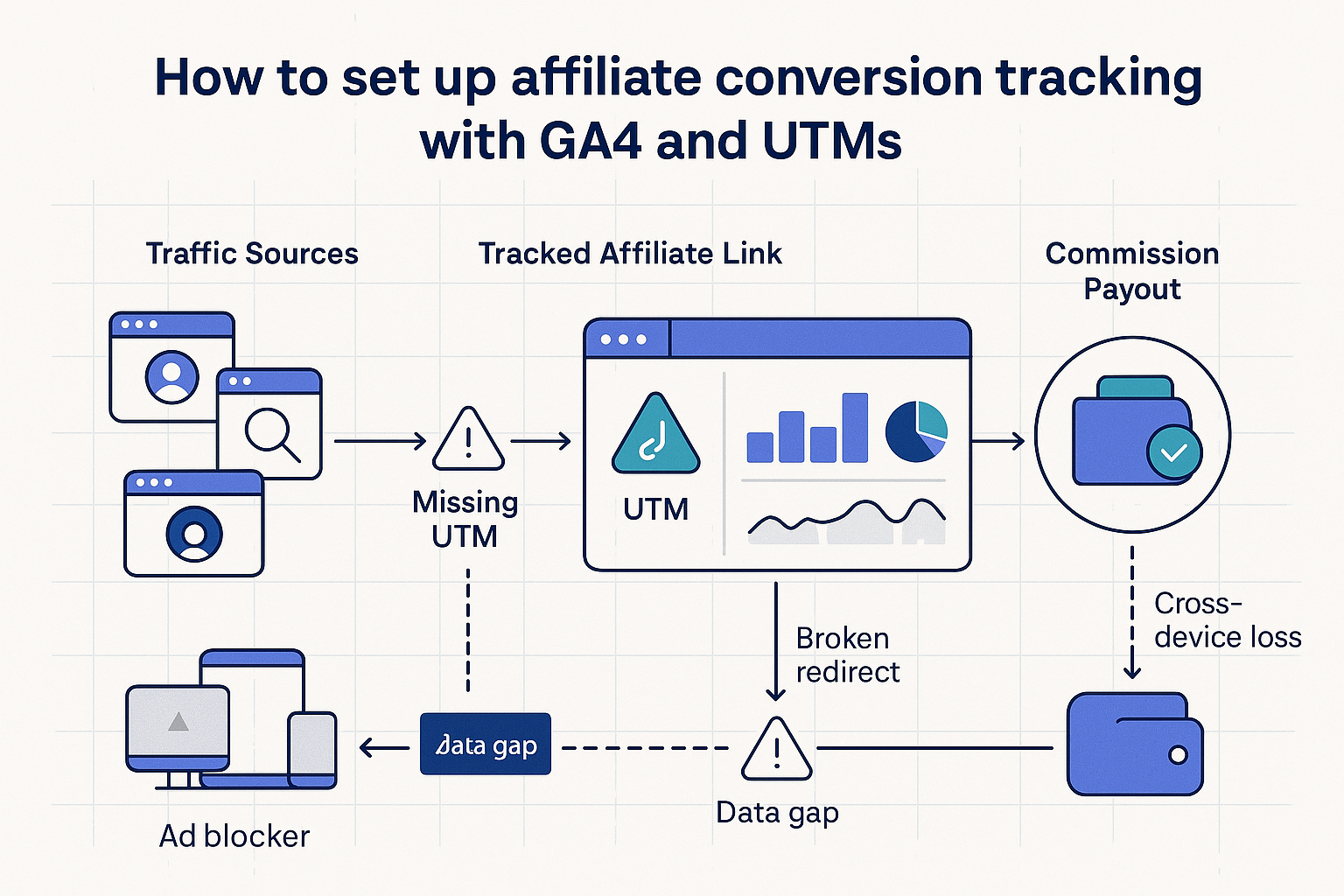
GA4's default configuration tracks website conversions, but affiliate marketing has unique challenges. You're sending traffic to someone else's sales page. The conversion happens off your domain. Standard e-commerce tracking won't capture affiliate commissions.
I've found three critical gaps in most affiliate tracking setups:
- Attribution windows don't match affiliate cookie durations (ClickBank uses 60 days, but GA4 defaults to 30)
- UTM parameters get stripped or modified by landing page redirects
- Conversion goals focus on micro-conversions (email signups) instead of actual revenue events
The solution isn't just better UTM tagging—it's building a tracking architecture that bridges your traffic sources with actual affiliate payouts.
Step 1: Design Your UTM Parameter Structure
Don't use random UTM tags. I use a systematic approach that maps directly to how I analyze campaign performance:
utm_source: Traffic platform (taboola, outbrain, facebook, google)
utm_medium: Traffic type (native, ppc, email, organic)
utm_campaign: Specific campaign identifier (weight-loss-vsl-q1-2026)
utm_term: Keyword or audience target (keto-diet-women-35-55)
utm_content: Creative variation (headline-a, image-test-3, video-vsl)
Here's a real example from a recent ClickBank health campaign:
utm_source=taboola&utm_medium=native&utm_campaign=keto-diet-vsl-jan2026&utm_term=weight-loss-women-40&utm_content=beforeafter-creative-v2
The key is consistency. Create a spreadsheet with your naming conventions and stick to it religiously. One typo in your UTM structure can break weeks of data analysis.
Step 2: Configure GA4 Conversion Events
GA4 uses events instead of goals. For affiliate tracking, you need to set up custom conversion events that actually matter for revenue attribution.
In your GA4 property, navigate to Configure > Events and create these custom events:
affiliate_link_click: Tracks when someone clicks your affiliate links
email_signup: Captures lead generation (if you're building a list first)
sales_page_visit: Monitors traffic quality to affiliate offers
commission_earned: The big one—actual affiliate payouts
For the affiliate_link_click event, you'll need to modify your link tracking. I use Google Tag Manager for this, but you can also implement it directly with gtag code:
gtag('event', 'affiliate_link_click', {
  'campaign_name': 'keto-diet-vsl-jan2026',
  'affiliate_network': 'clickbank',
  'product_id': 'ketoboost',
  'link_position': 'header-cta'
});
The counterintuitive part: don't just track clicks. Track quality clicks by measuring time on page before the click and scroll depth. Someone who clicks your affiliate link after 3 seconds probably won't convert.
Step 3: Set Up Enhanced Ecommerce Tracking
This is where most affiliate marketers give up, but it's crucial for revenue attribution. You need to connect GA4 data with actual commission payments from your affiliate networks.
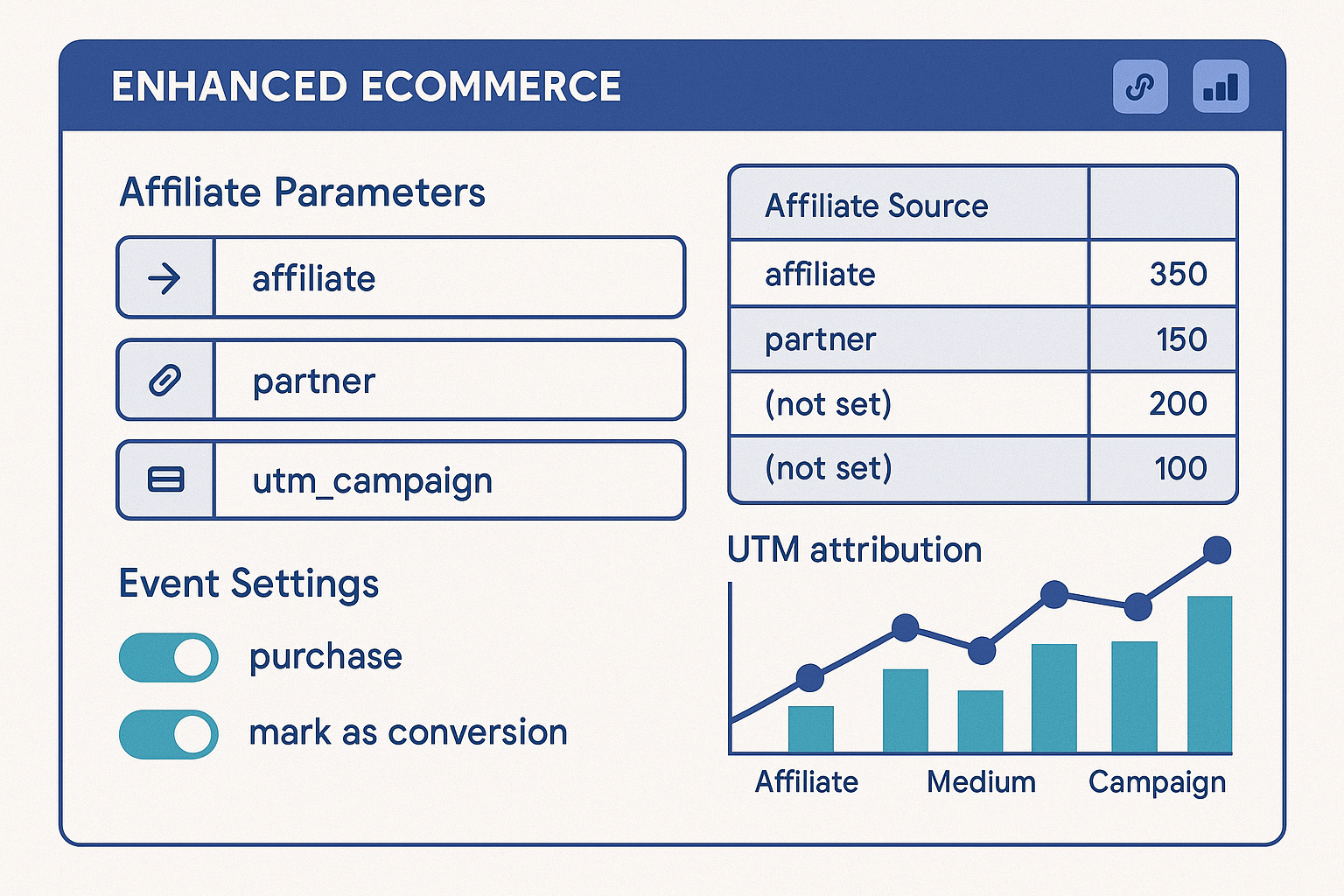
Enhanced Ecommerce in GA4 requires these parameters for affiliate tracking:
- transaction_id: Unique identifier for each sale
- affiliation: Affiliate network (ClickBank, ShareASale, etc.)
- value: Commission amount (not product price)
- currency: USD, EUR, etc.
- items: Array of products with affiliate IDs
Here's the challenge: you won't get this data in real-time. Affiliate networks typically provide conversion data with 24-48 hour delays. I solve this with a weekly data import process.
Step 4: Create Custom UTM Tracking Links
Manual UTM creation is a recipe for errors. I use a systematic approach with either a spreadsheet template or a simple tracking link generator.
For high-volume campaigns, I built a simple PHP script that generates tracking links automatically. But honestly, a well-organized Google Sheet works fine for most affiliate marketers.
Your tracking link structure should look like this:
https://yoursite.com/review-page?utm_source=taboola&utm_medium=native&utm_campaign=keto-jan2026&utm_term=weight-loss-women&utm_content=video-testimonial
Pro tip: Always test your tracking links in an incognito browser before launching campaigns. I've lost thousands in mis-attributed traffic because of typos in UTM parameters.
For native ad campaigns on platforms like Taboola vs Outbrain, I create separate UTM codes for each creative variation. This lets me identify which headlines, images, and landing pages actually drive conversions.
Step 5: Import Affiliate Commission Data
GA4 can track clicks and website behavior, but it can't automatically know when someone actually bought through your affiliate link three days later. You need to manually connect this data.
Most affiliate networks provide CSV exports of your commissions. The key fields you need are:
- Transaction date and time
- Commission amount
- Product ID or affiliate link clicked
- Customer identifier (if available)
I import this data weekly using GA4's Data Import feature. Navigate to Admin > Data Import and create a new data source with these dimensions:
- Campaign (matches your utm_campaign values)
- Source (matches your utm_source values)
- Transaction ID
The metrics you'll import:
- Commission Amount
- Product Revenue (total sale value)
- Commission Rate
This process isn't automated in GA4, but it's worth the manual work. Once you have this data connected, you can see actual ROI by traffic source instead of just guessing based on click-through rates.
Step 6: Configure Attribution Models
GA4's default attribution model might not match how affiliate marketing actually works. Someone might click your native ad, visit your review page, sign up for your email list, then buy the product a week later after reading your email sequence.
In GA4, go to Admin > Attribution Settings and consider these models for affiliate campaigns:
Data-driven attribution: Best if you have high volume (500+ conversions per month)
Last non-direct click: Good for most affiliate campaigns
Time decay: Useful if you're running long nurture sequences
I've found last non-direct click works well for direct-response affiliate campaigns, while time decay is better when you're building an email list first with tools like ConvertKit for affiliate sequences.
But here's the thing—attribution models in GA4 are just estimates. Your actual affiliate network tracking is the source of truth for commissions.
Practical Implementation Notes
After setting up this tracking system for dozens of campaigns, here's what actually happens when you implement it:
Week 1: You'll spend most of your time fixing UTM parameter inconsistencies and testing link tracking. Budget 2-3 hours for initial setup.
Week 2-3: Data starts flowing, but you'll notice gaps between GA4 clicks and affiliate network conversions. This is normal—attribution is messy in affiliate marketing.
Month 1: You'll have enough data to start making optimization decisions. Focus on utm_source and utm_campaign performance first.
Month 2+: Advanced analysis becomes possible. You can optimize creative variations (utm_content) and audience targeting (utm_term) based on actual commission data.
The biggest mistake I see is trying to optimize too early. You need at least 50 conversions per traffic source before making major budget allocation decisions.
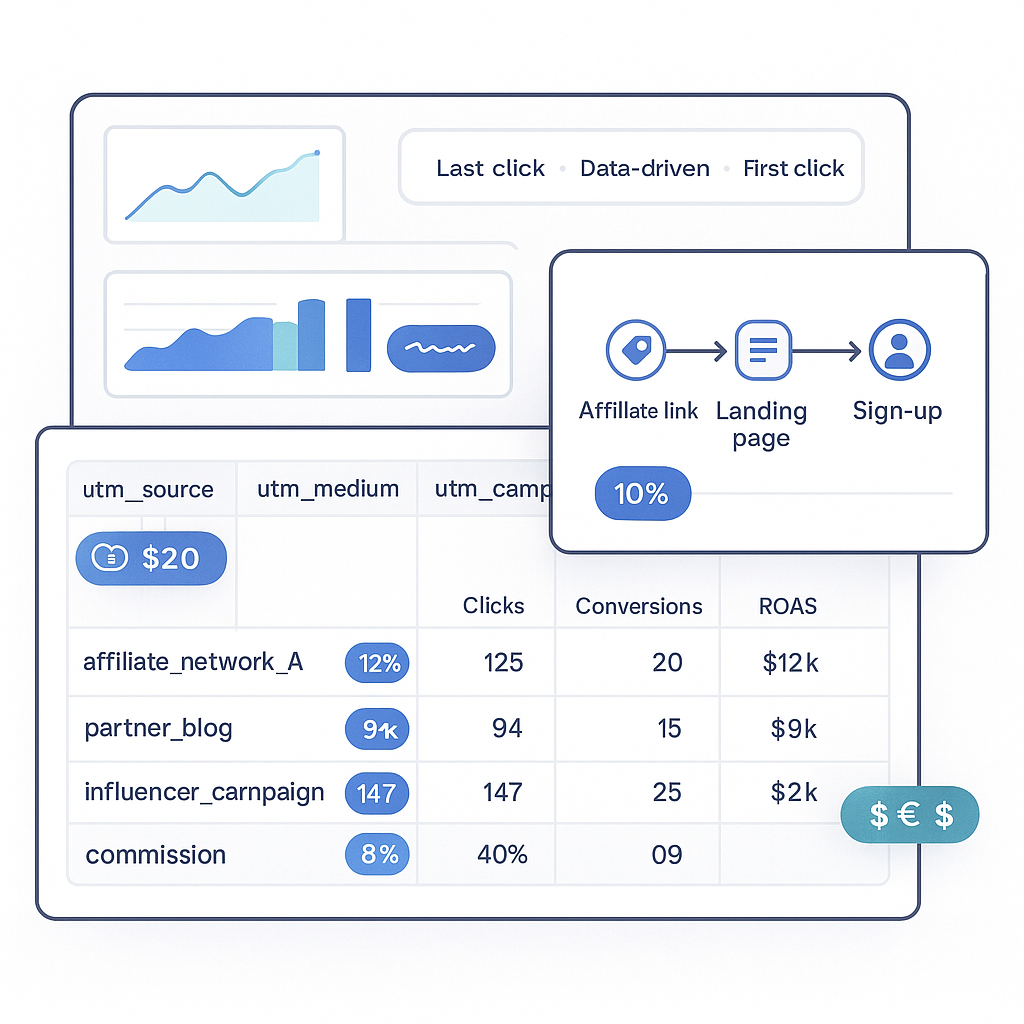
For campaign tracking, I also recommend setting up a simple dashboard that combines GA4 data with affiliate network reports. A weekly Google Sheet with traffic costs, GA4 conversion data, and actual commissions gives you real ROI numbers.
Advanced UTM Strategies for Scale
Once your basic tracking is solid, you can get sophisticated with UTM parameter strategies:
Dynamic UTM insertion: Use URL parameters to automatically populate UTM tags based on traffic source referrers.
Cross-device tracking: Implement GA4's User-ID feature if you're capturing email addresses before affiliate clicks.
Cohort analysis: Group users by UTM campaign and track their lifetime commission value across multiple affiliate purchases.
I've also started using utm_content parameters to track different stages of my funnel. For example: utm_content=blog-post-cta vs utm_content=email-sequence-day3 vs utm_content=retargeting-ad.
This granular tracking becomes especially valuable when you're running complex funnels with multiple touchpoints before the affiliate conversion.
Troubleshooting Common Tracking Issues
Even with perfect setup, you'll encounter tracking problems. Here are the most common issues I've dealt with:
UTM parameters getting stripped: Some affiliate networks or landing pages remove UTM tags. Solution: Use URL shorteners that preserve parameters, or implement server-side tracking.
Cross-domain tracking failures: If your review site and affiliate link are on different domains, GA4 might lose the session. Configure cross-domain tracking in your GA4 settings.
Conversion attribution delays: Affiliate networks report conversions hours or days after they happen. Your GA4 real-time data won't match affiliate payouts immediately.
Mobile app conversions: If people click your affiliate link but complete the purchase in a mobile app, standard web tracking won't capture it. This is a limitation of web-based analytics—factor it into your ROI calculations.
The truth is, affiliate conversion tracking will never be 100% accurate. But with proper GA4 and UTM setup, you can get close enough to make smart optimization decisions.
What matters most isn't perfect attribution—it's consistent tracking that lets you compare the relative performance of different traffic sources, campaigns, and creative variations. Focus on trends and patterns rather than trying to account for every single conversion.
Track everything, trust the patterns, and always validate your GA4 insights against actual affiliate network payouts before making major budget decisions.
This article contains affiliate links. We may earn a commission at no extra cost to you. Full disclosure.
Editorial Team
Senior Digital Marketing Strategist
The Prophet Visionary editorial team covers affiliate marketing, paid traffic, funnels, and digital product strategy with hands-on practitioner experience.
Learn more about our editorial team →Build High-Converting Funnels Without 5 Different Tools
Systeme.io gives you a drag-and-drop funnel builder, email automation, upsells, order bumps, and analytics — all in one platform starting at $0/month.
See the Funnel BuilderThis page contains affiliate links — I may earn a commission at no extra cost to you.
Disclaimer: The information on this site is for educational purposes only and does not constitute financial, legal, or business advice. Results vary based on individual effort, market conditions, and other factors. Always do your own due diligence before making business or investment decisions.