ConvertKit vs GetResponse for Affiliate Email Sequences: 2026 Review
After running affiliate campaigns on both ConvertKit and GetResponse for the past three years, I've learned something most comparison articles won't tell you: the "best" platform depends entirely on your affiliate strategy.
GetResponse feels like the Swiss Army knife—packed with features, automations, and tools that can handle everything from landing pages to webinars. ConvertKit? It's the precision scalpel. Built specifically for creators and content-driven affiliates who need sophisticated tagging and segmentation.
But here's what really matters for affiliate marketers in 2026.
What Actually Matters for Affiliate Email Marketing
Most platform comparisons focus on generic email marketing features. Affiliate marketers need different things:
- Advanced tagging and segmentation - You're promoting multiple offers to different audience segments
- Automation trigger flexibility - Beyond basic welcome sequences
- Link tracking and analytics - Critical for optimizing affiliate performance
- Deliverability at scale - Your income depends on emails hitting inboxes
- Integration capabilities - With affiliate networks, tracking tools, and CRMs
The truth is, both platforms handle basic email marketing well. The differences show up when you're running complex affiliate campaigns with multiple traffic sources and offer rotations.
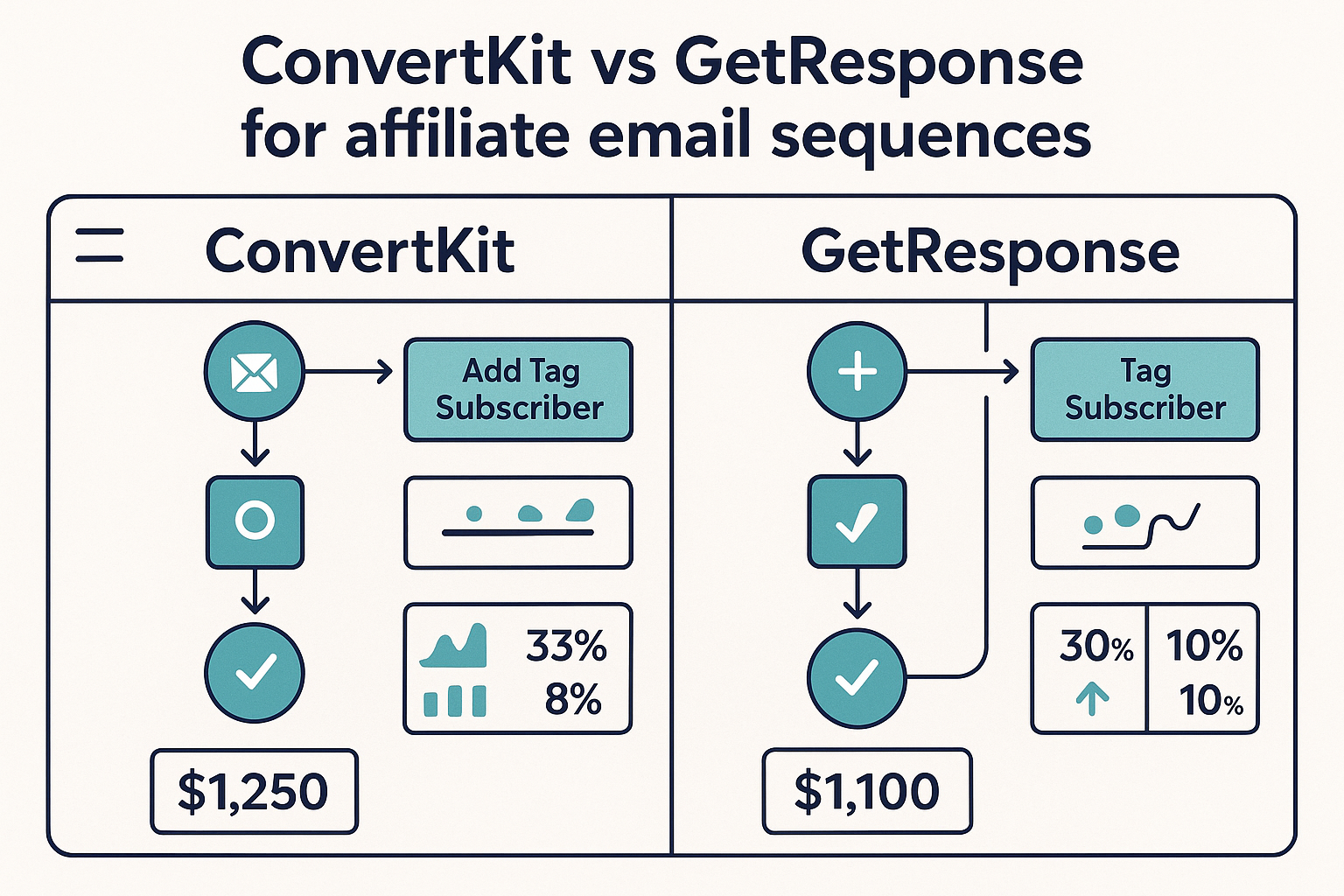
ConvertKit: The Creator-Focused Powerhouse
ConvertKit was built for creators—and that shows in every feature. If your affiliate strategy revolves around content marketing, courses, or building authority in a niche, ConvertKit's approach makes sense.
Automation and Sequences
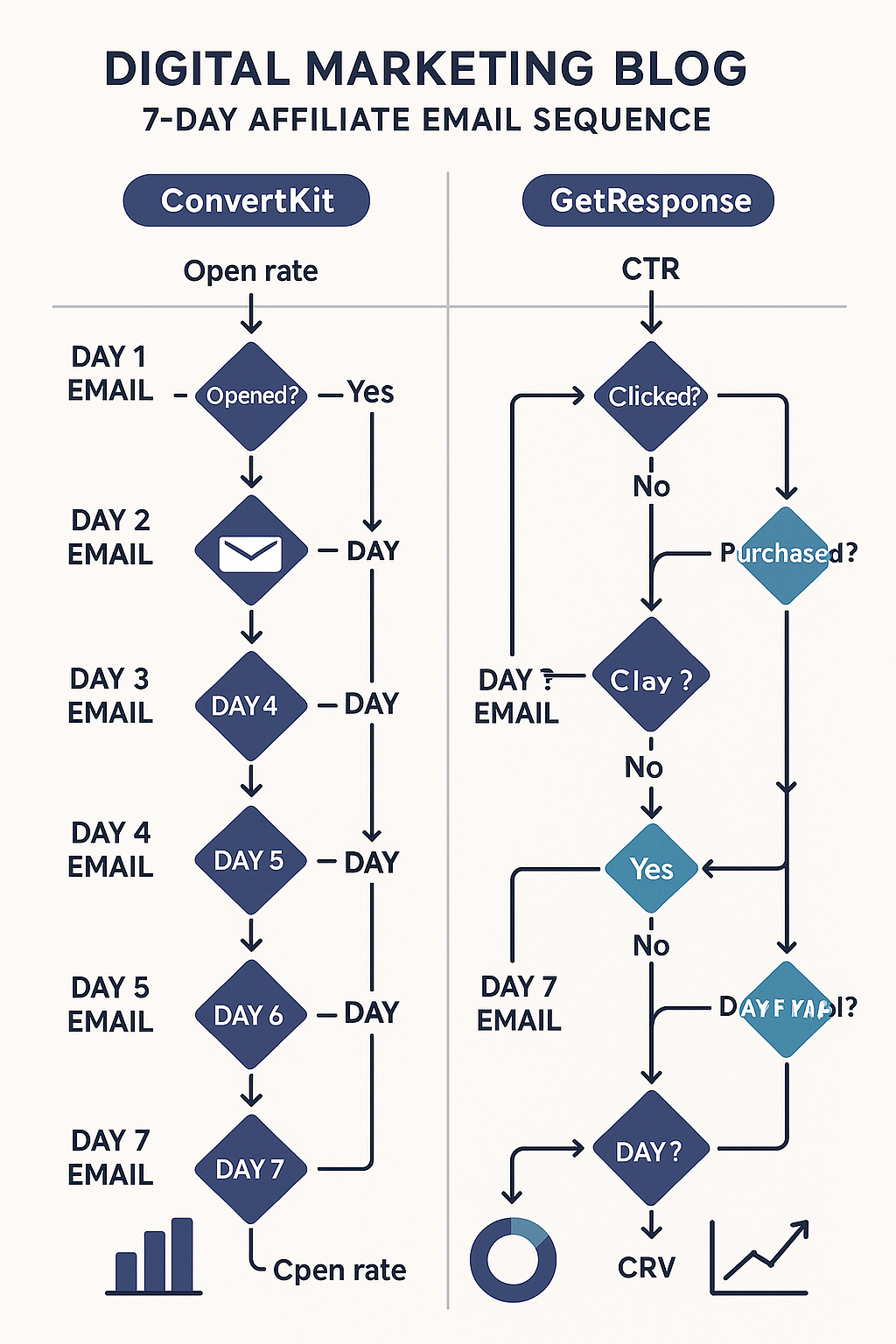
ConvertKit's visual automation builder is where it shines. I've built 12-email affiliate sequences that branch based on engagement, previous purchases, and content consumption. The trigger options are extensive:
- Tag additions/removals
- Link clicks (specific links, not just any link)
- Form submissions
- Purchase behavior
- Custom field changes
What I love: you can create "if/then" branches based on multiple conditions. For example, if someone clicks your affiliate link but doesn't purchase within 7 days, they get moved to a different nurture sequence.
Tagging and Segmentation
This is ConvertKit's secret weapon for affiliates. The tagging system lets you create incredibly specific segments:
- Traffic source tags (Facebook, Google, Pinterest, etc.)
- Interest-based tags (specific product categories)
- Engagement level tags (high, medium, low)
- Purchase history tags
I currently have 47 different tags running across my subscriber base. Sounds excessive, but it means I can send a productivity software promotion only to subscribers who came from my productivity content and haven't purchased any software offers in the past 90 days.
Pricing Structure
ConvertKit's pricing starts at $29/month for up to 1,000 subscribers, scaling to $79/month for 5,000 subscribers. The pricing jumps significantly as you grow—$158/month for 15,000 subscribers.
No free plan, but they offer a 14-day free trial. The pricing includes all automation features from the start, which is refreshing.
Best For
ConvertKit works best for affiliates who:
- Focus on content marketing and audience building
- Promote multiple offers to segmented audiences
- Need sophisticated automation workflows
- Have subscribers who engage with educational content
GetResponse: The All-in-One Marketing Suite
GetResponse takes a different approach. Instead of focusing solely on email, they've built a complete marketing platform. For affiliates running paid traffic or needing landing pages, this broader feature set can be valuable.
Email Marketing Features
GetResponse's email editor is more robust than ConvertKit's. You get:
- Advanced design templates
- Built-in stock photo access
- A/B testing for subject lines, content, and send times
- Advanced analytics including heat maps
The automation builder isn't as intuitive as ConvertKit's, but it's powerful. You can create complex workflows, though the interface feels more corporate and less creator-friendly.
Beyond Email: Additional Tools
Here's where GetResponse differentiates itself:
- landing page builder - Create affiliate bridge pages without external tools
- Webinar Platform - Host affiliate product demos directly in the platform
- E-commerce Tools - If you're promoting your own products alongside affiliate offers
- CRM Features - Track leads through the entire funnel
For affiliates running complete funnel systems, having everything in one platform simplifies the tech stack.
Deliverability and Analytics
GetResponse has strong deliverability rates—I consistently see 22-25% open rates on my affiliate sequences, which matches my ConvertKit performance. Their analytics go deeper, showing:
- Engagement over time
- Best performing send times
- Subscriber lifetime value
- Revenue per email (when integrated with e-commerce)
Pricing Structure
GetResponse offers more pricing flexibility:
- Free Plan - Up to 500 subscribers (basic features)
- Email Marketing Plan - $15/month for 1,000 subscribers
- Marketing Automation - $49/month for 1,000 subscribers
- E-commerce Marketing - $99/month for 1,000 subscribers
The Email Marketing plan lacks automation features, so most affiliates need the $49/month tier minimum.
Best For
GetResponse works best for affiliates who:
- Run paid traffic campaigns
- Need landing pages and funnels
- Want everything in one platform
- Promote e-commerce or physical products
Head-to-Head: Real Performance Data
I've been running parallel campaigns on both platforms for eight months. Here's what the data shows:
| Metric | ConvertKit | GetResponse |
|---|---|---|
| Average Open Rate | 24.3% | 22.8% |
| Click-Through Rate | 3.7% | 4.1% |
| Conversion Rate | 2.1% | 1.9% |
| Setup Time (new sequence) | 45 minutes | 65 minutes |
| Deliverability Issues | 2 in 8 months | 1 in 8 months |
The differences are marginal. ConvertKit edges out on opens and conversions, GetResponse wins on clicks. Both platforms deliver emails reliably.
But here's the counterintuitive part: the performance differences matter less than workflow efficiency. I can build and modify sequences 30% faster in ConvertKit, which adds up when you're constantly optimizing campaigns.
Integration Ecosystem
Both platforms integrate with major affiliate tools, but with different strengths:
ConvertKit Integrations
- WordPress - Seamless integration with content sites
- Teachable/Thinkific - Perfect for course affiliate promotions
- Shopify - Good for e-commerce affiliate partnerships
- Zapier - Connects to virtually anything
GetResponse Integrations
- Salesforce - Enterprise-level CRM integration
- Magento/WooCommerce - Strong e-commerce connections
- Facebook Ads - Direct integration for retargeting
- Google Analytics - Better tracking and attribution
If you're running sophisticated list building campaigns with multiple traffic sources, GetResponse's integration depth helps with attribution and tracking.
The Verdict: Which Platform Wins?
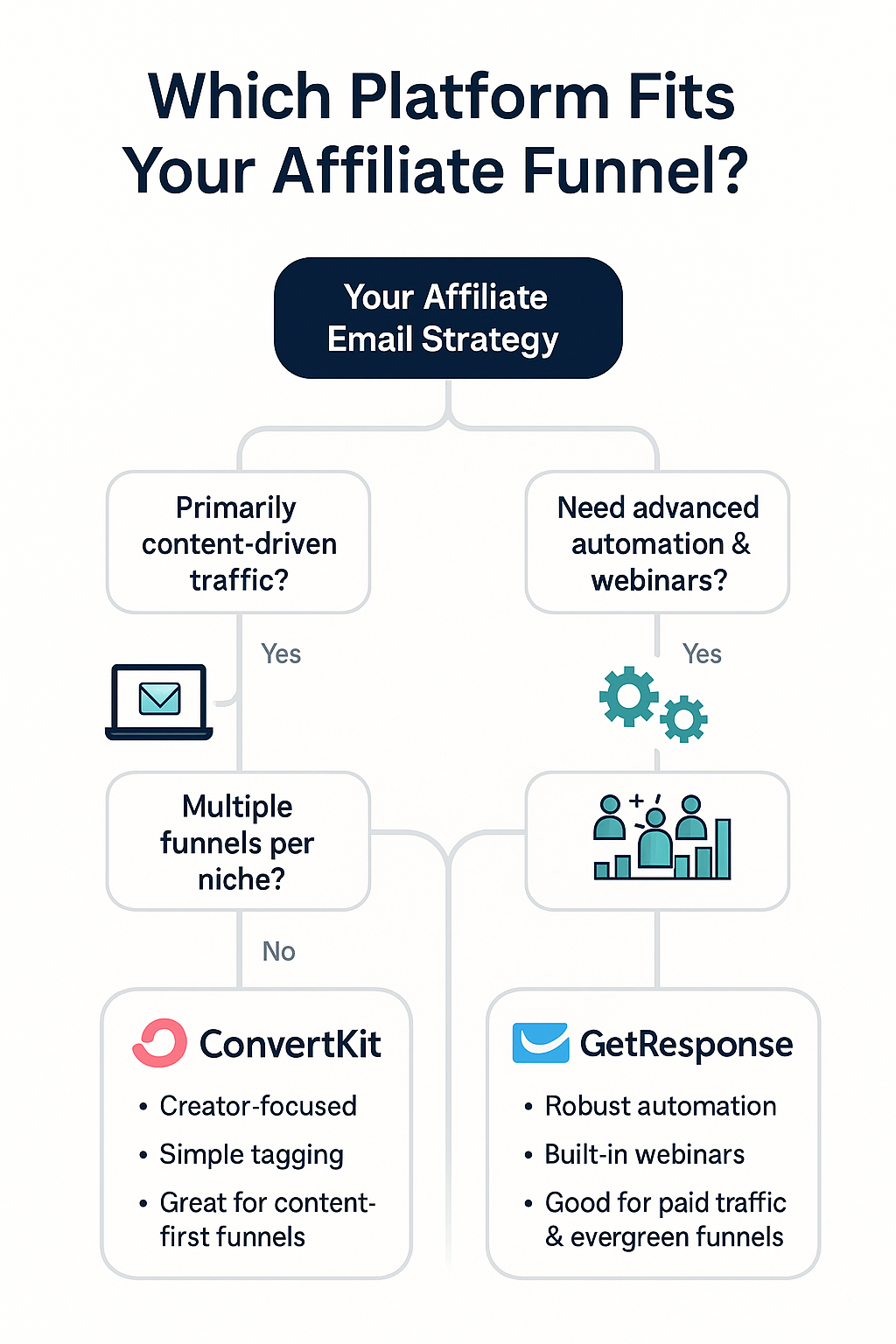
After extensive testing, here's my recommendation:
Choose ConvertKit if:
- You're building an audience through content marketing
- Your affiliate strategy focuses on education and trust-building
- You need sophisticated subscriber segmentation
- You prefer simple, creator-focused tools
- Budget isn't the primary concern
Choose GetResponse if:
- You're running paid traffic to affiliate offers
- You need landing pages and don't want multiple tools
- You're promoting e-commerce or physical products
- You want advanced analytics and reporting
- Budget optimization is important
Honestly, you can't go wrong with either platform for basic affiliate email marketing. The choice comes down to workflow preferences and your broader marketing strategy.
Practical Implementation Notes
Here are the real-world insights you won't find in feature comparison charts:
Migration Considerations
Moving between platforms isn't terrible, but it's not seamless either. I spent about 6 hours migrating a 8,000-subscriber list from GetResponse to ConvertKit, including:
- Recreating automation sequences
- Rebuilding opt-in forms
- Setting up new tagging systems
- Testing all integrations
Plan for downtime and have backup sequences ready.
Deliverability Optimization
Both platforms require proper setup for optimal deliverability:
- Configure SPF, DKIM, and DMARC records
- Use a dedicated sending domain
- Maintain list hygiene (remove non-engaged subscribers)
- Monitor sender reputation regularly
ConvertKit handles more of this automatically, while GetResponse gives you more control (and more ways to mess it up).
Scaling Challenges
ConvertKit's pricing becomes expensive quickly. At 50,000 subscribers, you're looking at $516/month. GetResponse scales more affordably but requires more hands-on management.
Consider your growth trajectory when choosing. If you're planning to build a large list quickly through paid traffic campaigns, GetResponse's pricing structure makes more sense.
Support Quality
ConvertKit's support feels more personal—you're talking to people who understand creator marketing. Response times average 4-6 hours during business days.
GetResponse support is more corporate but thorough. They have phone support (ConvertKit doesn't), but the reps sometimes lack context on affiliate marketing specifics.
Frequently Asked Questions
Can I run affiliate promotions on both platforms without issues?
Yes, both ConvertKit and GetResponse allow affiliate marketing. Just follow standard practices: clear disclosures, don't spam, and maintain good list hygiene. Neither platform restricts affiliate content specifically.
Which platform has better automation for affiliate sequences?
ConvertKit's automation builder is more intuitive and faster to use. GetResponse offers more advanced triggers and conditions, but with a steeper learning curve. For most affiliate marketers, ConvertKit's approach is more practical.
How do the analytics compare for tracking affiliate performance?
GetResponse provides more detailed analytics out of the box, including revenue tracking and advanced segmentation reports. ConvertKit's analytics are simpler but cover the essentials. Both integrate well with Google Analytics for deeper tracking.
Can I create landing pages for affiliate offers on both platforms?
GetResponse includes a landing page builder with templates and A/B testing. ConvertKit offers basic landing pages but they're limited—most users integrate with external tools like Systeme.io for more advanced funnel needs.
Which platform handles large email lists better?
Both platforms handle large lists well technically. GetResponse scales more cost-effectively and offers enterprise features. ConvertKit maintains its simplicity at scale but becomes expensive quickly.
How do the free trials compare?
ConvertKit offers 14 days free with full access to all features. GetResponse has a permanent free plan (limited features) plus 30-day free trials on paid plans. GetResponse gives you more time to test, but ConvertKit's trial includes everything.
Can I segment subscribers based on affiliate link clicks?
Yes, both platforms track link clicks and can trigger automations or apply tags based on specific link interactions. ConvertKit makes this slightly easier to set up, while GetResponse offers more granular tracking options.
Which platform integrates better with affiliate networks?
Both integrate well with major affiliate networks through Zapier or direct API connections. GetResponse has slightly better e-commerce integrations, while ConvertKit works better with content-focused affiliate programs and course platforms.
The bottom line: both platforms will serve affiliate marketers well. ConvertKit excels at audience building and content-driven affiliate strategies. GetResponse shines for paid traffic affiliates who need a complete marketing suite.
Your choice should align with your traffic sources, audience building strategy, and technical comfort level. Either way, focus more on your email content and audience relationship than the platform features—that's where real affiliate success happens.
This article contains affiliate links. We may earn a commission at no extra cost to you. Full disclosure.
Editorial Team
Senior Digital Marketing Strategist
The Prophet Visionary editorial team covers affiliate marketing, paid traffic, funnels, and digital product strategy with hands-on practitioner experience.
Learn more about our editorial team →Need One Platform to Run Your Entire Affiliate Business?
Funnels, email sequences, course hosting, affiliate management — Systeme.io replaces your entire tool stack at a fraction of the cost. Free plan included.
See How Systeme.io WorksThis page contains affiliate links — I may earn a commission at no extra cost to you.
Disclaimer: The information on this site is for educational purposes only and does not constitute financial, legal, or business advice. Results vary based on individual effort, market conditions, and other factors. Always do your own due diligence before making business or investment decisions.