Your Native Ad Clicks Aren't Buying: Fix the Bridge Page
You're paying for clicks. They're showing up. And then nothing—no sales, barely any offer-page clicks, a dashboard full of red numbers that makes you question whether native advertising works at all.
I've been there, and honestly, it's maddening. You followed the tutorials, picked an offer with a decent payout on clickbank or a similar network, and wrote an ad that earned a respectable CTR on Taboola or Outbrain. So why isn't this working for you?
Here's my take, built on a lot of burned test budgets: it's almost never the traffic and rarely the offer. It's the gap between the two. Cold native visitors didn't ask to be sold anything. They were reading an article about knee pain or credit scores, got curious about your headline, and clicked. Dropping them straight onto a sales page is like proposing on a first date.
The Real Bottleneck: Cold Traffic Has No Context
Search traffic arrives with intent. Native traffic arrives with curiosity, which is a much weaker and shorter-lived emotion. Curiosity evaporates in about five seconds if the next page doesn't continue the story your ad started.
What most people get wrong is treating the bridge page as a speed bump. It's not. It's the place where curiosity becomes a decision to consider buying. That's a different job, and it needs a different structure.
If you want a deeper look at why these clicks go quiet, I covered the diagnosis in placeholder — actually, skip that; the better read is Why Cold Native Clicks Ghost Your Offer (and What Fixes It). Come back here for the build.

The 3-Step Pre-Sell Framework at a Glance
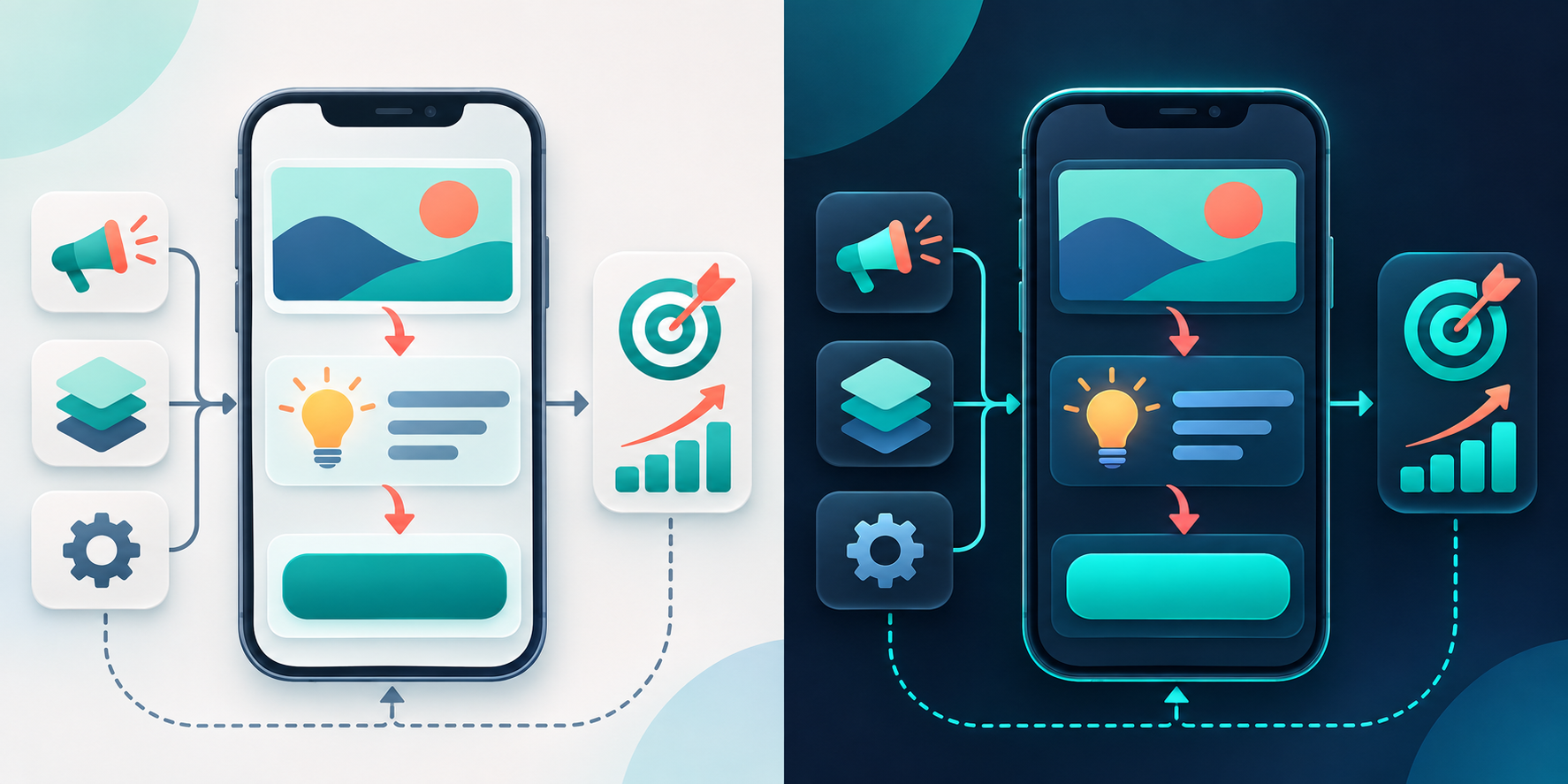
Every bridge page I build that actually holds up follows the same arc:
- Step 1 – Match: Continue the exact promise of the ad.
- Step 2 – Shift: Move the visitor from curiosity to problem awareness and a belief in a mechanism.
- Step 3 – Commit: Earn one small, low-friction click toward the offer.
Simple. But each step fails in specific, predictable ways. Let's go through them.
Step 1: Match the Ad (Why Your Bounce Rate Is Brutal)
What it is
The first screen of your bridge page must feel like the next paragraph of the ad. Same headline language, same image style, same tone.
Why it fails for you
You wrote a curiosity-driven ad headline ("Doctors Hate This Simple Morning Trick") and landed visitors on a clean page headlined with the product's brand claim. The brain registers a mismatch and the back button wins. Fast.
The fix
- Copy the ad's key phrase into your H1, nearly word for word.
- Reuse the ad image (or a close crop) above the fold.
- Keep the page looking like editorial content, not a store. Avoid nav menus, pricing, and logos.
Pro tip: Build one bridge variant per ad angle. A single generic bridge for five different ads is a classic budget-leak. If you're deciding on a builder, ClickFunnels or Systeme.io: Which Bridge Page Builder Wins? will save you some trial and error.
Step 2: Shift Them (Why Visitors Read but Don't Care)
What it is
This is the pre-sell proper. You're doing three things in about 300 to 500 words: naming the problem in their language, explaining why common solutions fall short, and introducing the type of solution your offer represents.
Why it fails for you
Two culprits. Either you jumped to features too early, or you wrote a wall of hype. Cold visitors don't trust adjectives. They trust specifics and relatable stories.
The fix
- Open with a recognizable moment, like waking up stiff or opening a bill you didn't expect.
- Name the usual failed fixes so they feel understood, not lectured.
- Introduce the mechanism—the "why this approach is different"—without overclaiming. Stay within what the offer's own materials support.
- Add one proof element that's real: a published study the vendor cites, or your own honest observations. No invented testimonials. Ever.
Pro tip: Subheads every 80-100 words. Native traffic is mostly mobile, and mobile readers scan.
Step 3: Commit Them (Why They Read Everything and Still Don't Click)
What it is
One clear, low-pressure next step. Not "Buy now." Something like "See how it works" or "Take a look at the details."
Why it fails for you
Either there are five competing links, or the button language demands too much. I've watched pages with a lovely pre-sell tank because the CTA read like a checkout.
The fix
- One button, repeated twice: mid-page and at the end.
- Use neutral, curiosity-preserving language.
- Set expectations on the button's surrounding line: "You'll see a short video presentation from the official site."
If you want to see the quiz variation of this commit step, The Quiz Bridge Page That Cut My Cold Native CPA by 38% goes through the interactive version.
Real-World Implementation Notes
Here's the workflow I actually use when launching a new bridge for a cold native campaign.
- Day 1: Pick one ad angle. Write the bridge H1 from the ad. Draft the page in a plain doc first, then move it into your builder.
- Day 1-2: Set up tracking. Pass your click ID through the bridge to the offer. Without this, you can't tell which widgets or placements are working.
- Day 2-3: Launch with a small test budget across a few sources. On networks like NewsBreak, CPCs often land in the low-cents range, but that varies a lot by vertical and geo, so treat any benchmark as a rough guide.
- Day 4-7: Judge the bridge by bridge-to-offer click rate first, not sales. Sales data is too sparse early on. Then watch EPC.
One observation that's held up for me: pages that feel slightly too short to me tend to do better than the ones I'm proud of. Cold readers want momentum, not an essay.
Also consider capturing emails on the bridge for non-clickers. It's a way to monetize the traffic later, though you'll need a platform that tolerates affiliate promotion—The Email Platforms That Actually Tolerate Affiliate Marketers covers your options.
Troubleshooting: Find Where It's Leaking
| Symptom | Likely cause | Fix |
|---|---|---|
| High bounce (under 5 seconds) | Ad-to-page mismatch, slow load | Mirror the ad headline; compress images; aim for a sub-2-second mobile load |
| Good time on page, low CTA clicks | Weak or buried CTA | Add a mid-page button; soften wording |
| High CTA clicks, no sales | Offer page mismatch or poor placement quality | Check the offer page continuity; cut low-quality placements |
| Clicks fine, EPC volatile | Not enough data | Wait for more clicks before changing multiple variables |
A frustrating truth: sometimes the offer just doesn't convert for cold traffic. If the bridge-to-offer click rate is healthy and the offer page still doesn't produce, don't keep rewriting your bridge. Test a different offer, or consider a lower-priced entry point—Pricing a Tripwire for Cold Traffic: The Sub-$27 Playbook explains why that often works better for cold audiences.
Common Mistakes That Keep You Stuck
- Changing everything at once. You'll never know what moved the needle.
- Writing for yourself. You know the offer. They don't.
- Ignoring compliance. Native networks reject exaggerated claims and fake news-style layouts. Disclose clearly and stay accurate.
- Judging too early. Ten clicks tells you nothing.

Your 10-Minute Action Plan
Don't close this tab and go back to staring at your dashboard. Do this instead:
- Minutes 1-2: Open your best-performing ad. Copy its headline and main image.
- Minutes 3-4: Compare it to your current bridge's first screen. If they don't feel like the same story, rewrite your H1 to match.
- Minutes 5-7: Cut your bridge to three parts: a problem-aware opening, a short "why common fixes fail" section, and a mechanism paragraph. Delete everything else.
- Minutes 8-9: Reduce to one CTA button with neutral wording, placed mid-page and at the bottom.
- Minute 10: Confirm your click ID passes through to the offer link, then relaunch with the same budget and change nothing else for a week.
That's it. It won't be glamorous, but the bridge is the cheapest part of your funnel to fix, and in my experience it's where most stuck campaigns are quietly bleeding. Fix the middle, then judge the traffic.
This article contains affiliate links. We may earn a commission at no extra cost to you. Full disclosure.
Editorial Team
Senior Digital Marketing Strategist
The Prophet Visionary editorial team covers affiliate marketing, paid traffic, funnels, and digital product strategy with hands-on practitioner experience.
Learn more about our editorial team →Your Traffic Is Only as Good as Your Follow-Up
You're paying for clicks — but are you capturing emails and automating sequences? AWeber makes it dead simple to turn paid traffic into a monetized email list.
See How AWeber WorksThis page contains affiliate links — I may earn a commission at no extra cost to you.
Disclaimer: The information on this site is for educational purposes only and does not constitute financial, legal, or business advice. Results vary based on individual effort, market conditions, and other factors. Always do your own due diligence before making business or investment decisions.