ThriveCart Review: Why I Choose It for Digital Product Sales
I've been selling digital products for over six years, and I've watched countless cart platforms come and go. thrivecart caught my attention in 2019 when I was frustrated with monthly subscription fees eating into margins on my lower-priced info products.
The promise was simple: pay once, own forever. But the real question wasn't about pricing—it was whether ThriveCart could actually handle the complex scenarios digital product creators face daily.
Here's what I discovered after processing over $400K in digital product sales through their platform.
Why Most Digital Product Creators Choose the Wrong Cart
Most creators get seduced by fancy funnel builders or stick with whatever their course guru recommended. I've seen people pay $297/month for clickfunnels when they're only doing $2K in monthly sales.
That's backwards thinking.
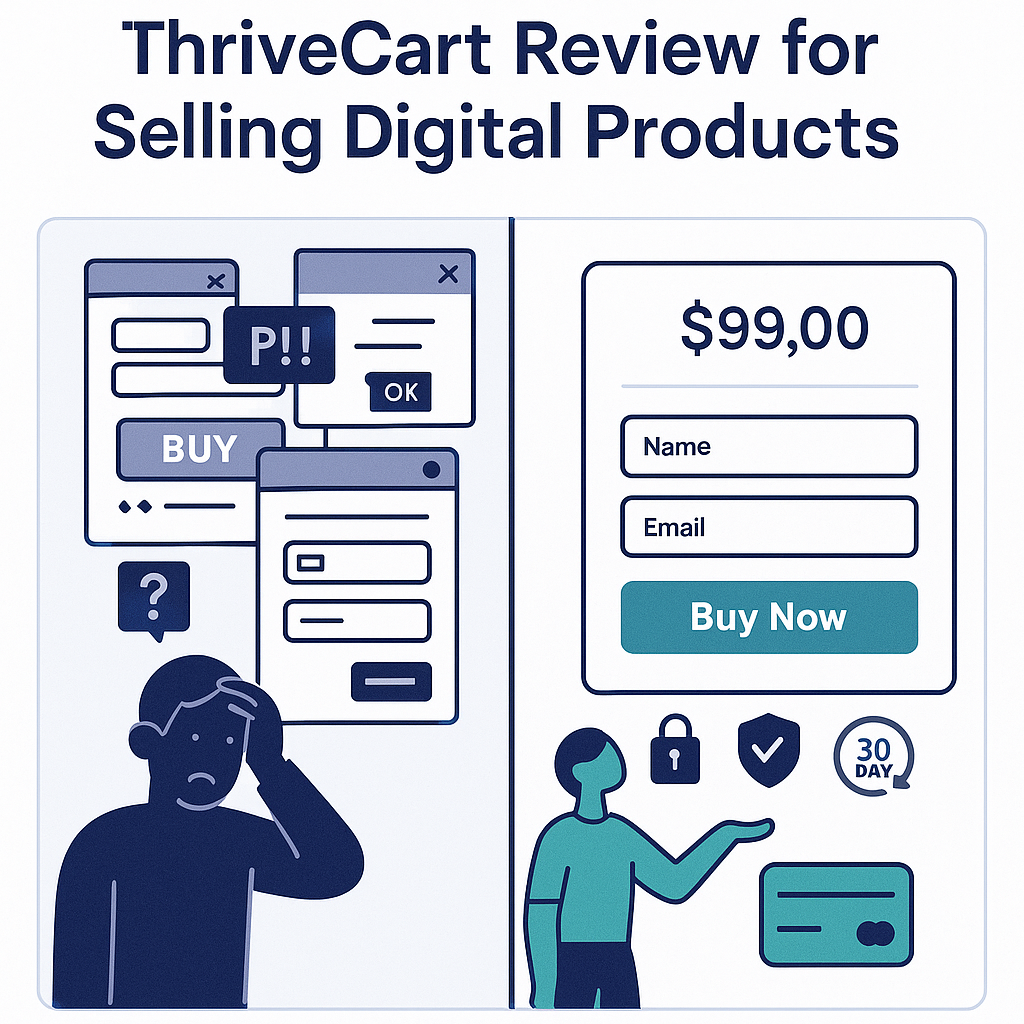
The cart is where money changes hands. Everything else—your landing pages, email sequences, facebook ads—they're all driving toward that single moment when someone clicks "Buy Now." If your cart can't handle complex scenarios or optimize for conversions, you're leaving money on the table.
ThriveCart understands this. They built their entire platform around one core principle: maximize conversion rates while minimizing complexity for the seller.
The Features That Actually Matter for Digital Products
I don't care about 47 different checkout templates or the ability to sell physical products (I'm not running an e-commerce store). What matters for digital product sales:
Instant Digital Delivery
ThriveCart's digital delivery system works flawlessly. Customer buys, gets immediate access via email with download links or login credentials. I've never had a delivery failure in three years of use.
The system integrates with major platforms like Teachable, Thinkific, and custom membership sites through Zapier. Set it once, forget about it.
Bump Offers and Upsells That Convert
Here's where ThriveCart shines. Their bump offer implementation is clean—a simple checkbox on the checkout page that typically increases my average order value by 23-31% depending on the offer.
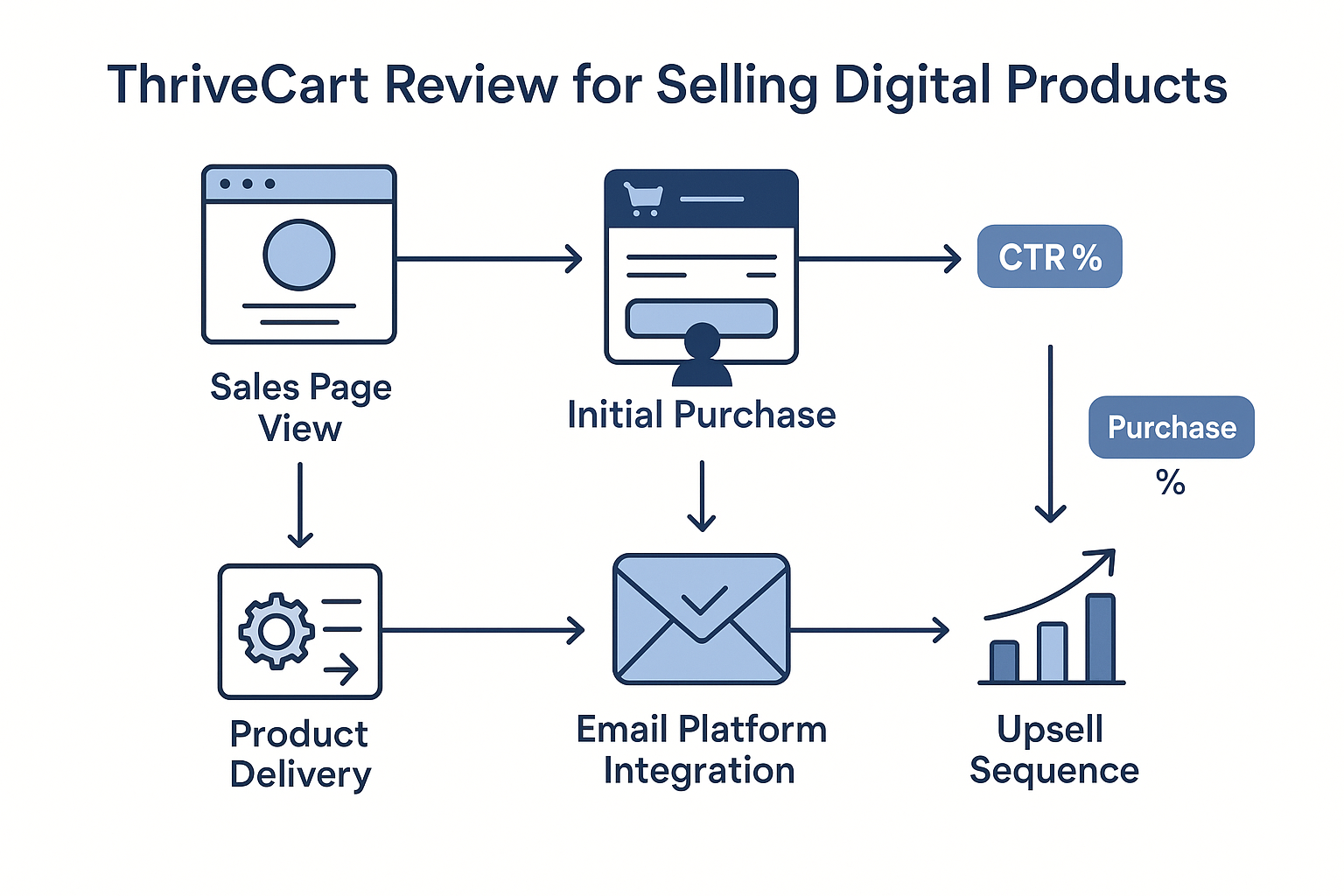
But the real money is in the upsell sequence. ThriveCart allows for multiple upsells with A/B testing built in. I run a simple two-step upsell on my main course:
- Upsell 1: Implementation templates ($47) - converts at 28%
- Upsell 2: 1-on-1 consultation ($497) - converts at 8%
The platform tracks everything automatically. No external tracking needed.
Affiliate Management Without the Headache
Most affiliate management systems are overcomplicated nightmares. ThriveCart keeps it simple: set commission rates, generate affiliate links, track performance.
I particularly like the instant commission payments feature. Affiliates can get paid immediately after a sale (minus a small processing fee), which motivates them to promote more aggressively.
The affiliate dashboard gives them real-time stats without overwhelming them with unnecessary data. Clean, focused, effective.
Real-World Implementation Notes
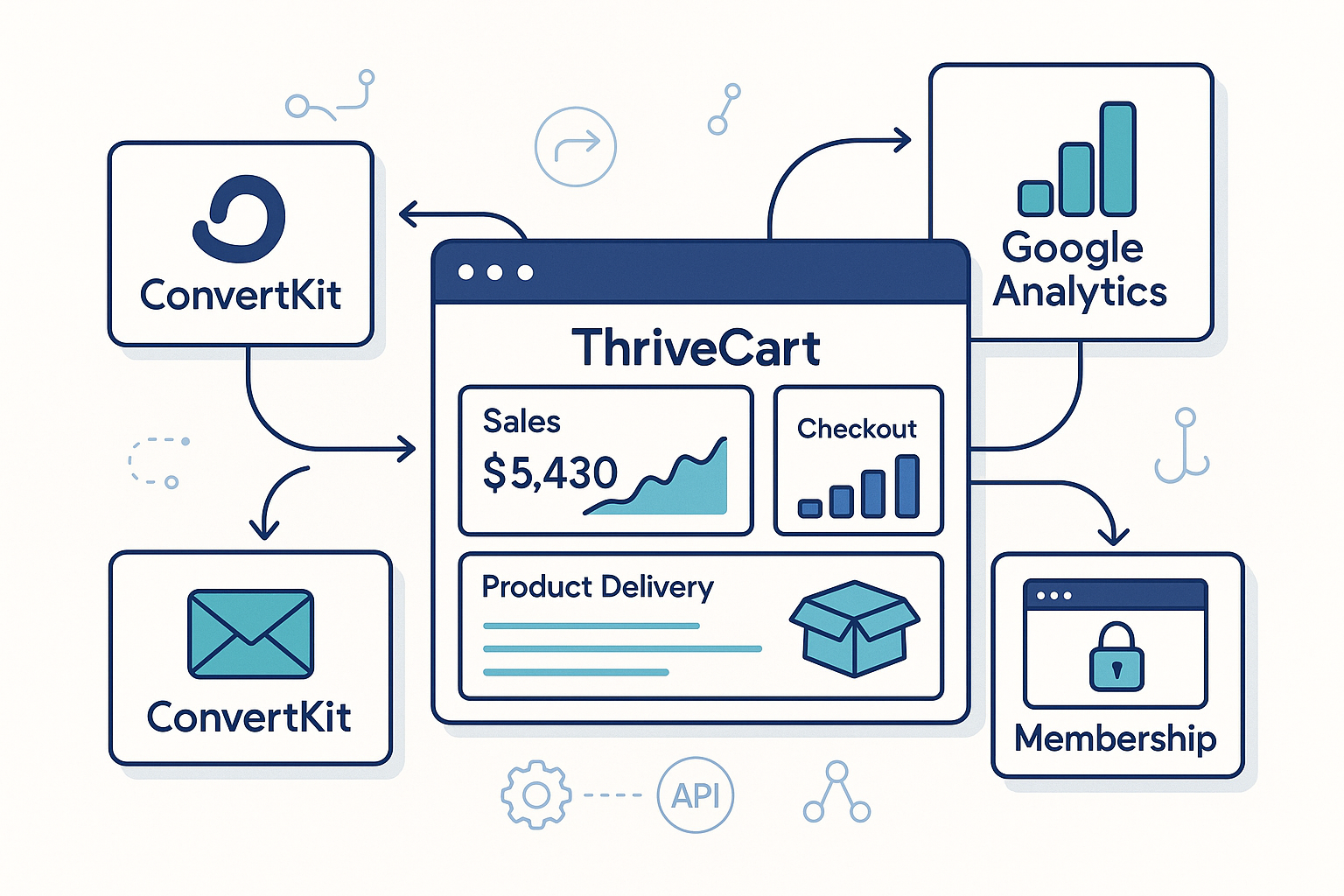
Setting up my first ThriveCart checkout took about 15 minutes. That includes connecting it to ConvertKit for email delivery and setting up the thank you page redirect.
The learning curve is minimal if you've used any modern software. The interface feels intuitive—buttons are where you expect them to be.
One workflow I use constantly: customer purchases my main course ($297), gets immediate access via email, gets added to a specific ConvertKit sequence, and receives a bump offer for my implementation toolkit ($67) right on the checkout page.
Total setup time for this entire flow: under 30 minutes.
Where ThriveCart Falls Short
Nothing's perfect. ThriveCart has limitations that might matter depending on your business model.
Limited Subscription Billing Options
If you're running a complex SaaS or membership site with multiple billing cycles, ThriveCart isn't ideal. They handle basic monthly/yearly subscriptions fine, but don't expect advanced dunning management or sophisticated retry logic.
For simple subscription products (monthly membership, annual course access), it works. For anything more complex, you'll need something like Stripe Billing or Chargebee.
Reporting Could Be Better
The analytics dashboard covers the basics—sales volume, conversion rates, affiliate performance. But it's not sophisticated enough for serious data analysis.
I export the data monthly and analyze it in Google Sheets. Not ideal, but manageable for most digital product businesses.
No Native Quiz or Survey Builder
Many successful digital product creators use quizzes to segment audiences and recommend specific products. ThriveCart doesn't have this built in.
You'll need to integrate with external tools like Typeform or use ClickFunnels 2.0 if quiz funnels are central to your strategy.
Pricing Reality Check
ThriveCart costs $495 one-time. No monthly fees, ever.
Compare that to alternatives:
- SamCart: $99-$199/month
- ClickFunnels: $147-$297/month
- Kartra: $119-$549/month
The math is simple. If you're doing more than $1K/month in digital product sales, ThriveCart pays for itself in 3-6 months depending on what you're comparing it against.
But here's the thing most people miss: it's not just about the monthly savings. It's about profit margin protection on lower-priced products.
When I sell a $47 course, every dollar in monthly platform fees matters. With ThriveCart, my only ongoing costs are payment processing (2.9% + $0.30 per transaction).
Integration Ecosystem
ThriveCart plays well with the tools most digital product creators already use:
- Email platforms: ConvertKit, Mailchimp, ActiveCampaign, AWeber
- Membership sites: Teachable, Thinkific, Kajabi
- Webinar platforms: WebinarJam, GoToWebinar, Zoom
- Analytics: Google Analytics, Facebook Pixel, Google Ads conversion tracking
The GA4 conversion tracking setup is straightforward—just paste your tracking code in the settings. Takes about two minutes.
Most integrations happen through Zapier, which means virtually unlimited possibilities if you're willing to set up the automations.
What I'd Do Differently
If I were starting over, I'd implement ThriveCart from day one instead of wasting months with free solutions that couldn't handle growth.
My biggest mistake was trying to piece together a cart system using PayPal buttons and manual delivery processes. The time cost alone made ThriveCart a bargain in retrospect.
I'd also set up more sophisticated upsell sequences earlier. ThriveCart's upsell capabilities are powerful, but I didn't fully utilize them until year two.
The Bottom Line
ThriveCart isn't the flashiest platform. It doesn't have the marketing budget of ClickFunnels or the feature complexity of Kartra.
What it has is focus. They built a cart that converts well, delivers digital products reliably, and doesn't drain your bank account with monthly fees.
For most digital product creators—especially those selling courses, templates, or info products under $500—ThriveCart hits the sweet spot of functionality and cost-effectiveness.
The one-time fee structure alone makes it worth serious consideration. But the real value is in the conversion optimization and reliability.
Your cart shouldn't be the reason you lose sales. With ThriveCart, it won't be.
Visit ThriveCart to see current features and pricing.
This article contains affiliate links. We may earn a commission at no extra cost to you. Full disclosure.
Editorial Team
Senior Digital Marketing Strategist
The Prophet Visionary editorial team covers affiliate marketing, paid traffic, funnels, and digital product strategy with hands-on practitioner experience.
Learn more about our editorial team →Need One Platform to Run Your Entire Affiliate Business?
Funnels, email sequences, course hosting, affiliate management — Systeme.io replaces your entire tool stack at a fraction of the cost. Free plan included.
See How Systeme.io WorksThis page contains affiliate links — I may earn a commission at no extra cost to you.
Disclaimer: The information on this site is for educational purposes only and does not constitute financial, legal, or business advice. Results vary based on individual effort, market conditions, and other factors. Always do your own due diligence before making business or investment decisions.